
01
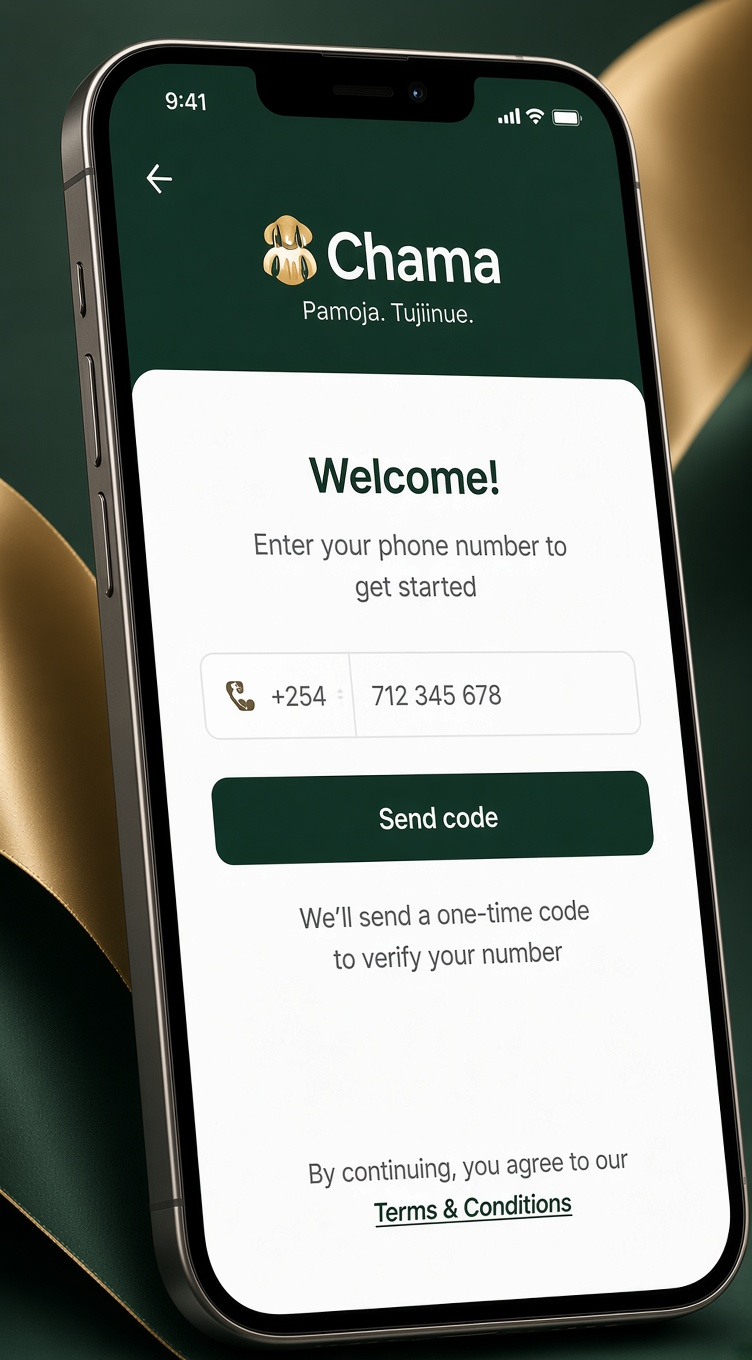
Register with your phone
Sign up with your phone number and a one-time code by SMS. No email, no documents — your identity is your number plus the trust of your group.
Step 1
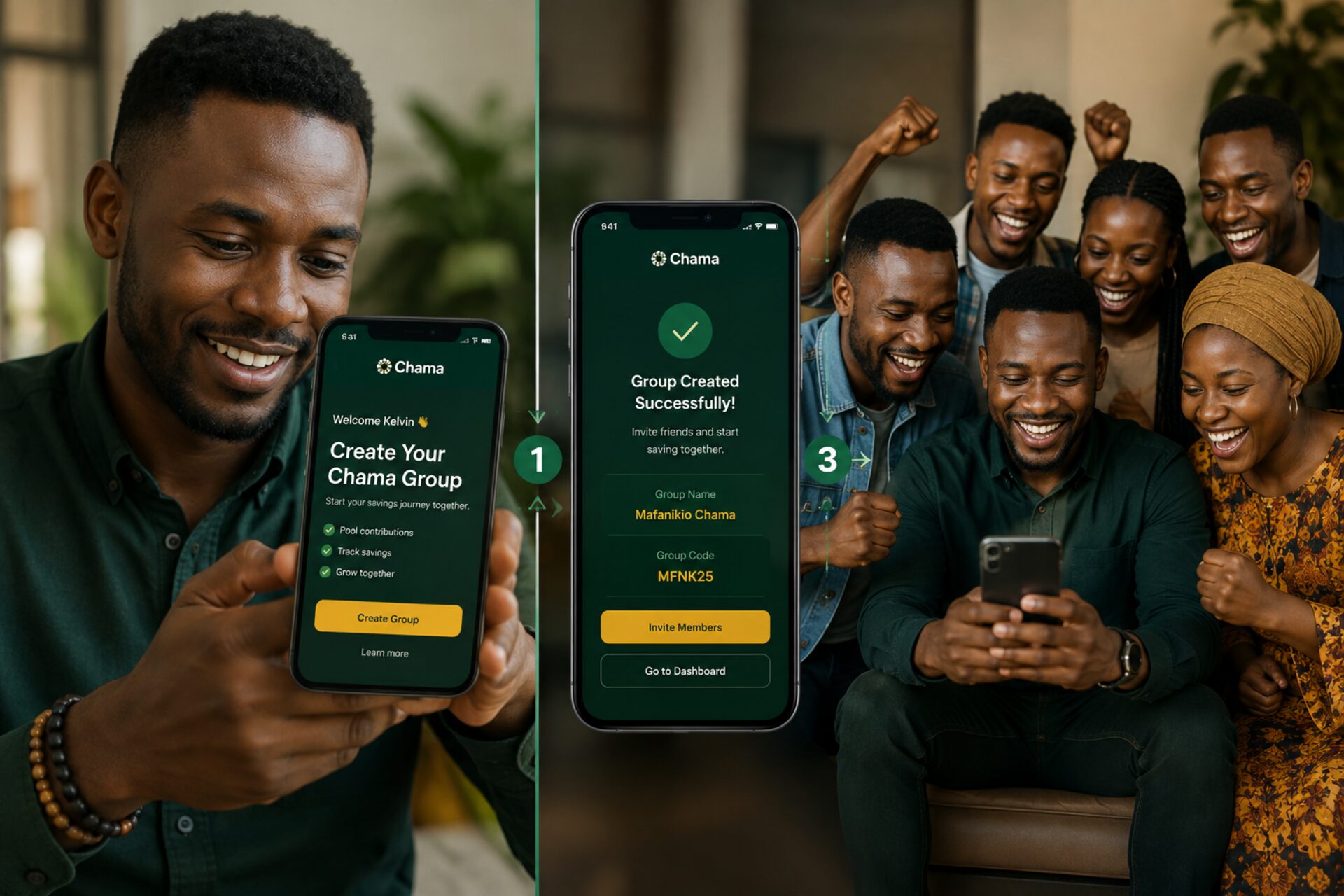
06 stages · roughly ten minutes to set up
Sign up with your phone number and a one-time code by SMS. No email, no documents — your identity is your number plus the trust of your group.
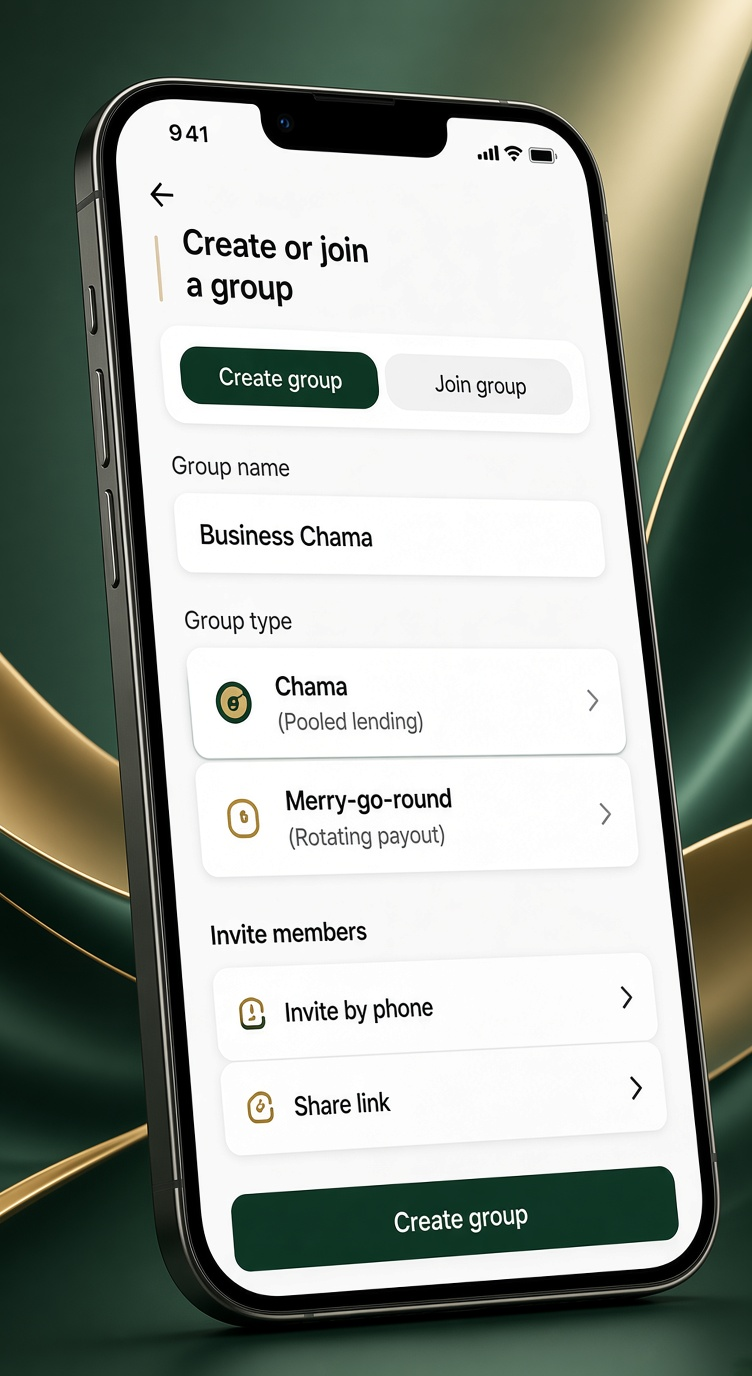
Start a social group or a savings group, then invite people by phone or a link. Savings groups choose a chama (pooled lending) or a merry-go-round (rotating payout).
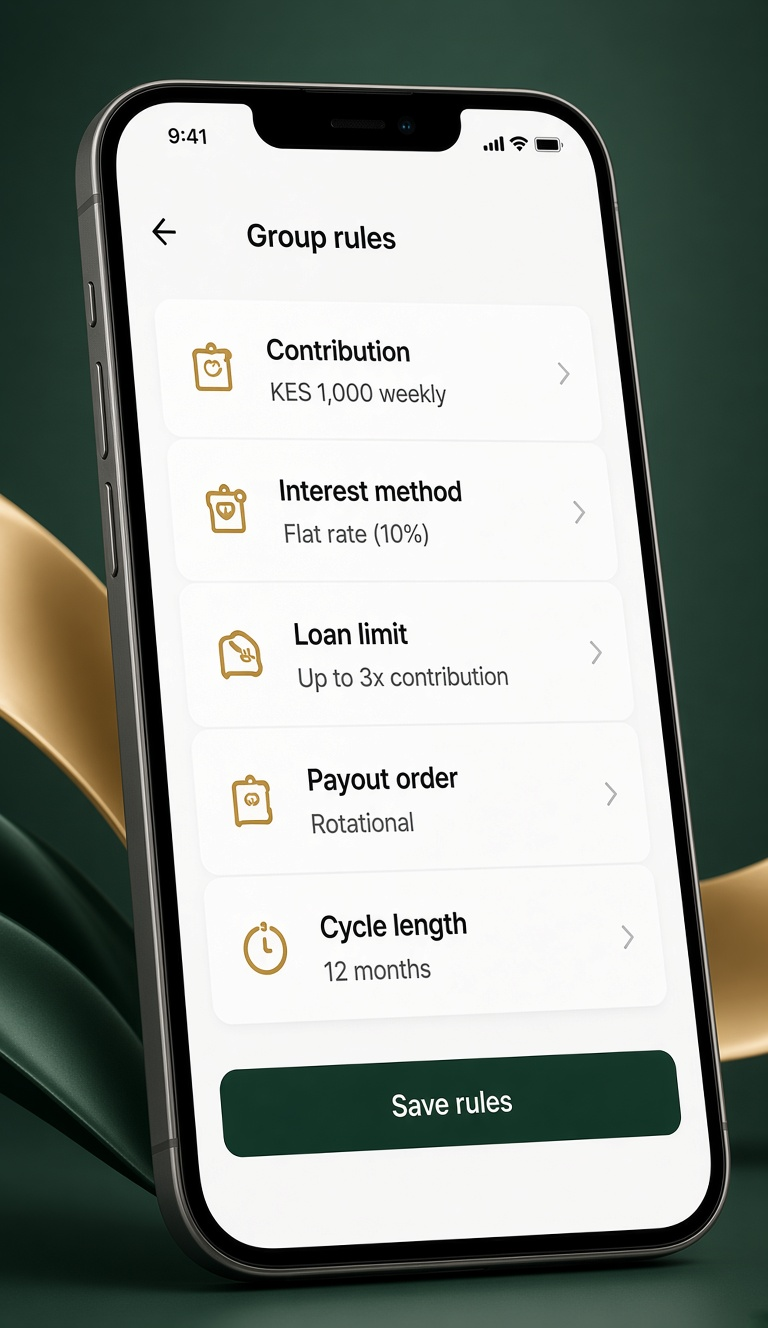
Your group sets the contribution amount and frequency, interest method, loan limits, payout order, and cycle length. The app enforces what you decide.
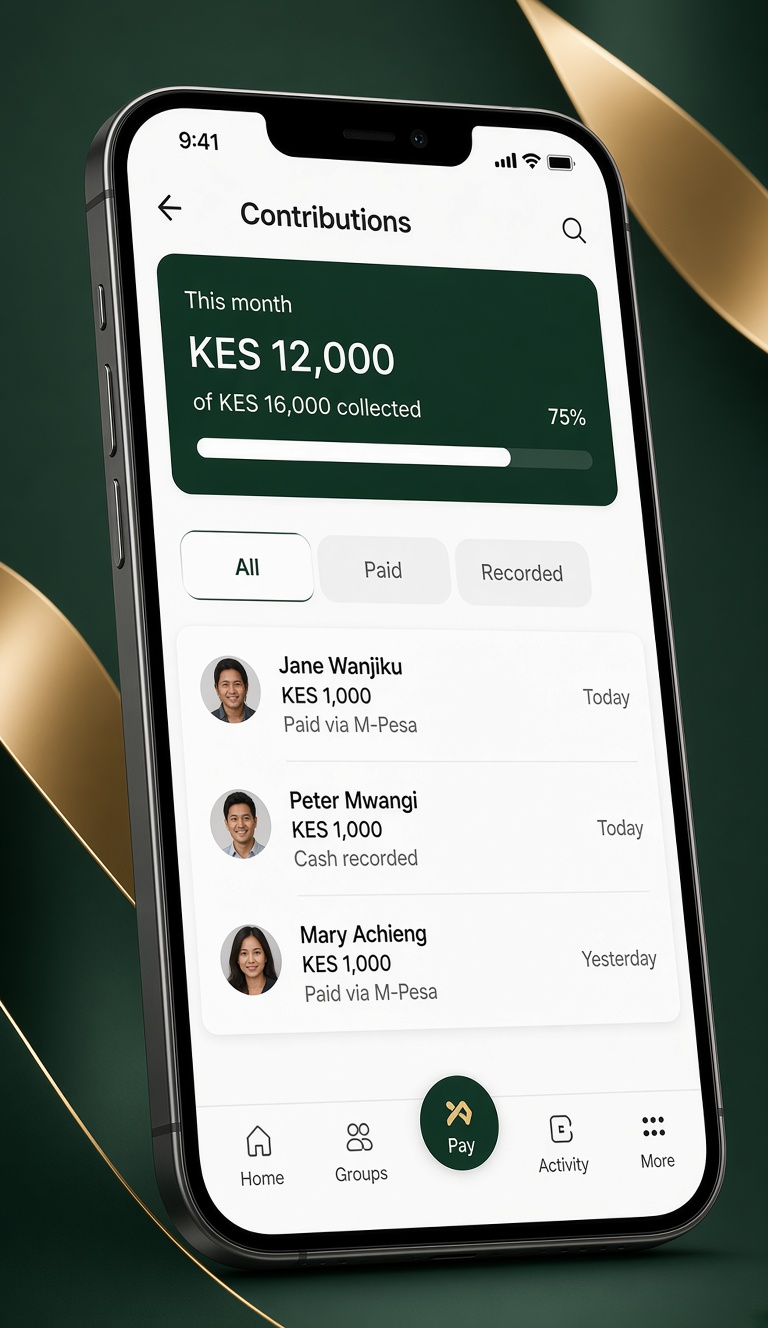
Pay in with an M-Pesa prompt, or let the treasurer record cash. Every payment posts to a shared, append-only ledger that everyone can see.
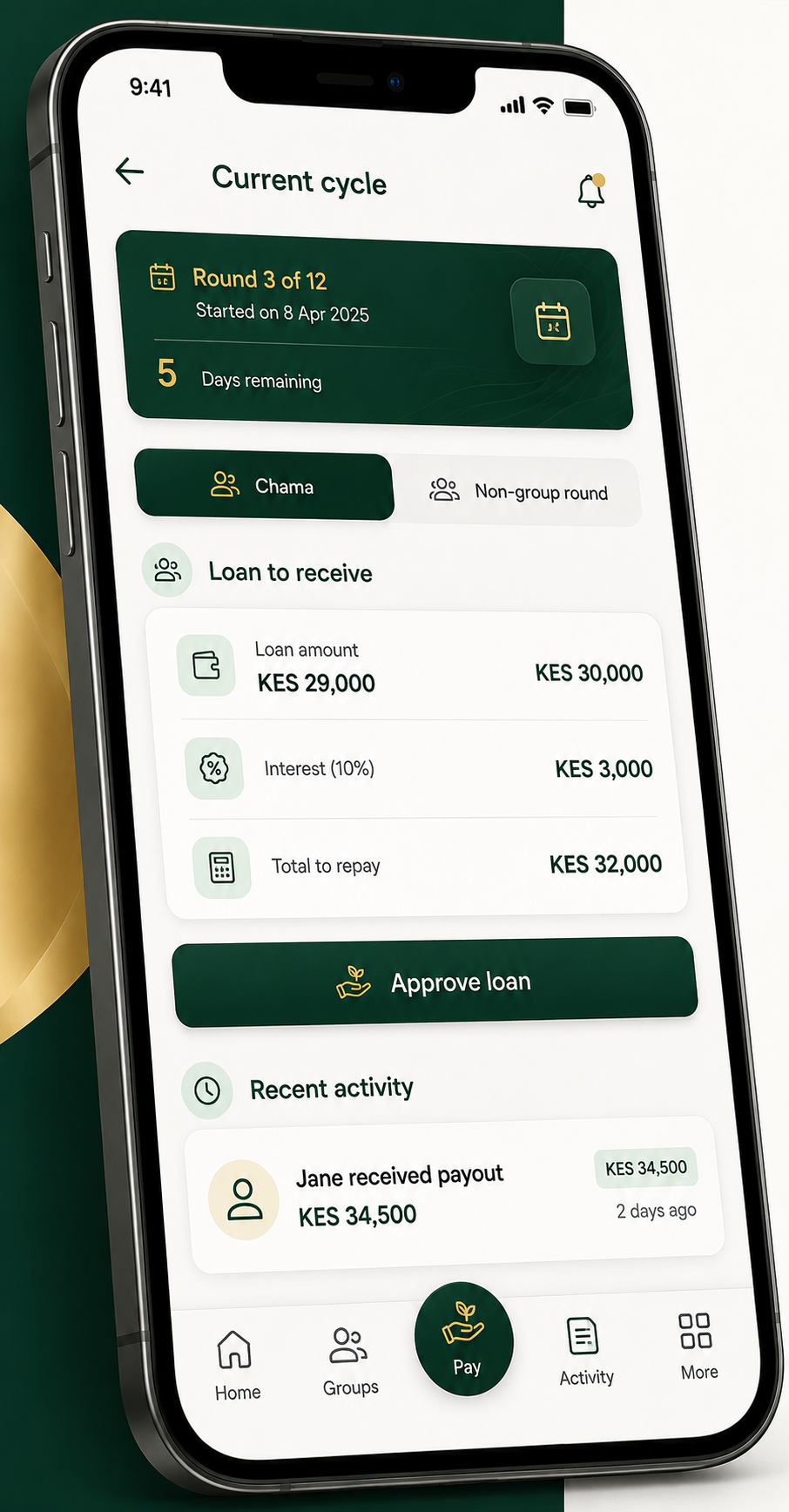
A chama lends the pool to members with interest and shares out at the end of the cycle. A merry-go-round pays the whole pot to one member each round.
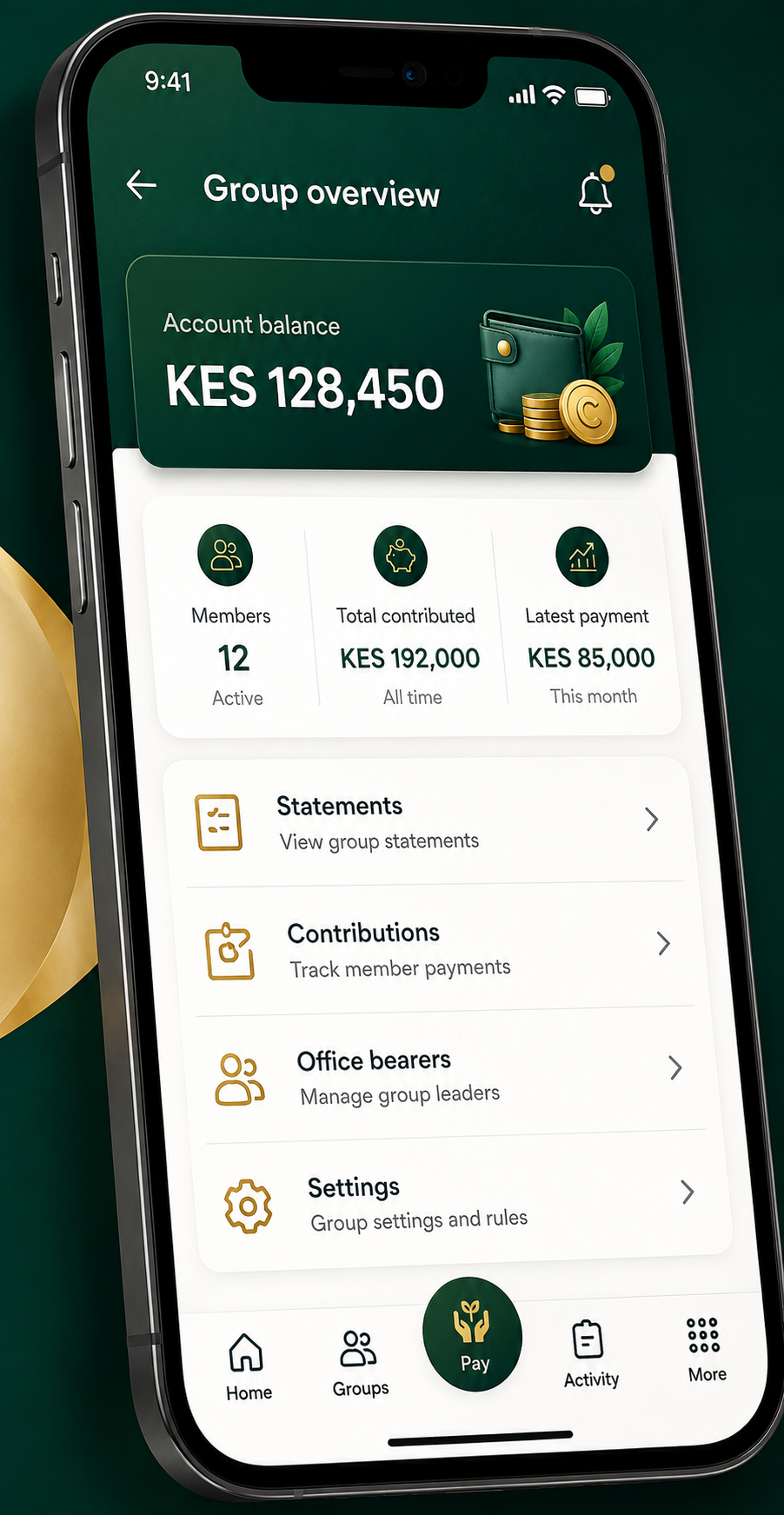
Open statements, contribution tracking, and elected office bearers keep the group honest — the way a well-run chama already works, only easier.
Create your account and set up your first group in minutes.